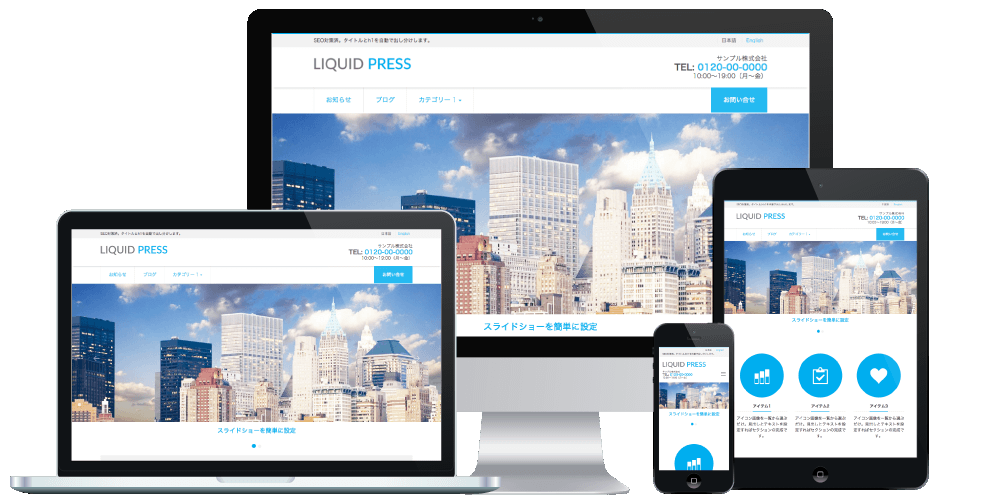
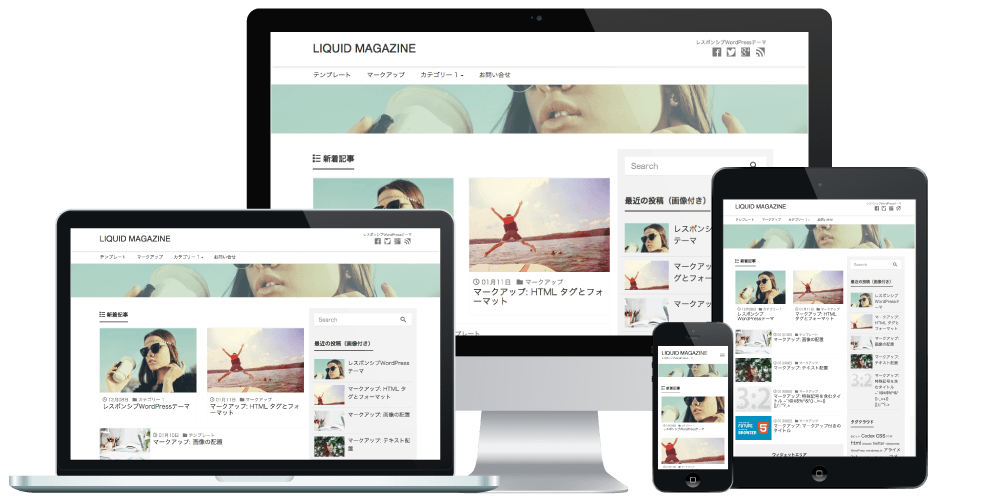
We are pleased to announce that the Content Analysis Beta tool has been added to the admin screen of the owned media themes in the LIQUID PRESS series!
We have also simultaneously released a new media theme, "INSIGHT".
Content Analysis Beta
Check your content's performance at a glance!
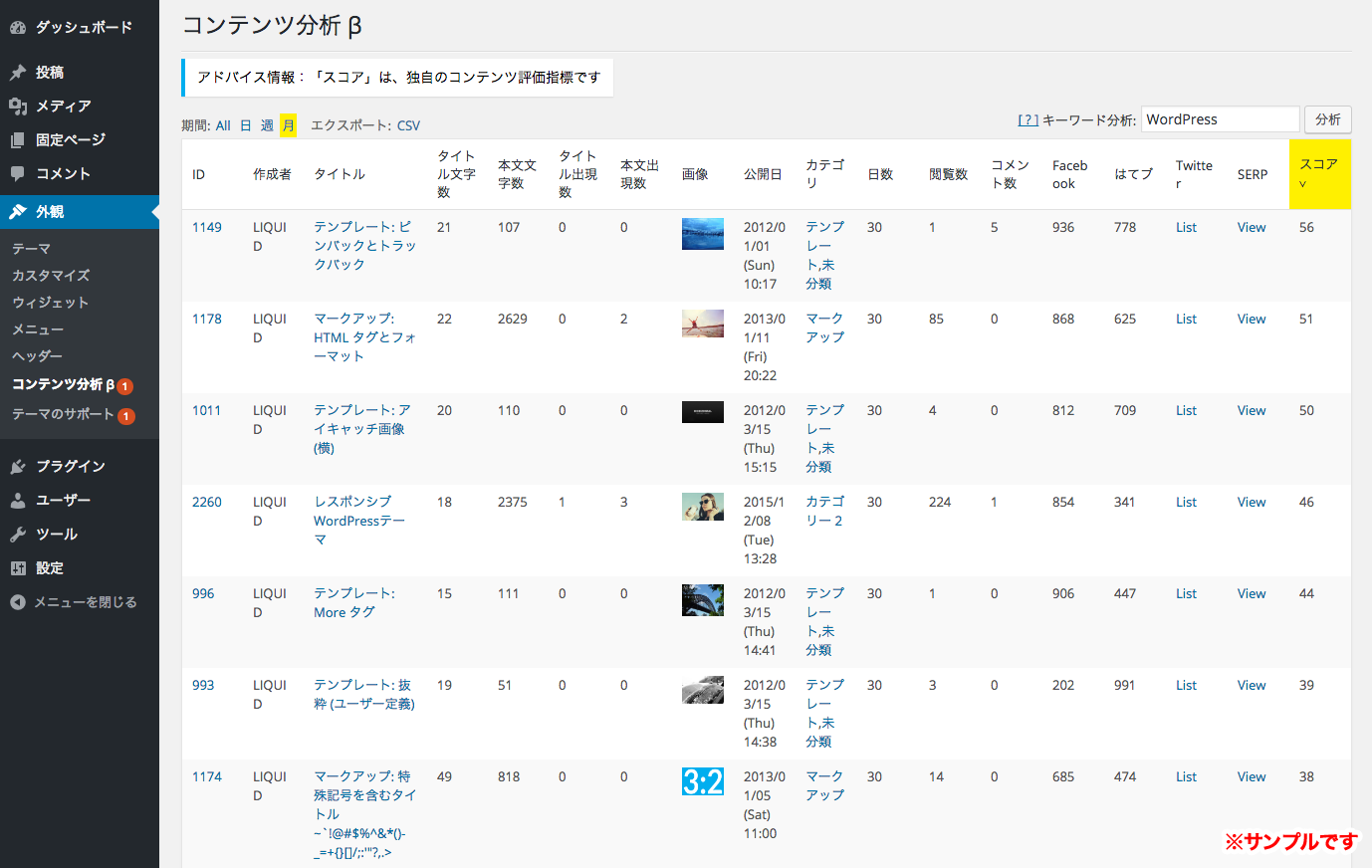
In the WordPress admin screen, you can review article view counts, share counts, and more all in one place.
It also displays the body text character count and keyword occurrence counts as references for SEO, making it an analytics feature designed for owned media.
It is a LIQUID PRESS-only feature that visualizes results and challenges and leads your content marketing to success!
Themes with Content Analysis Beta
Introducing the Features of Content Analysis Beta
What you can do with Content Analysis Beta
Visualize results
View counts, share counts, comment counts, and more are displayed in a list. It also displays our original content metric score.
Identify challenges
By comparing content scores, keyword occurrence counts, and more, you can clarify the challenges facing your content.
Hints for success
Based on the various content metrics, advice is displayed automatically (with further expansion planned).
Social media share counts
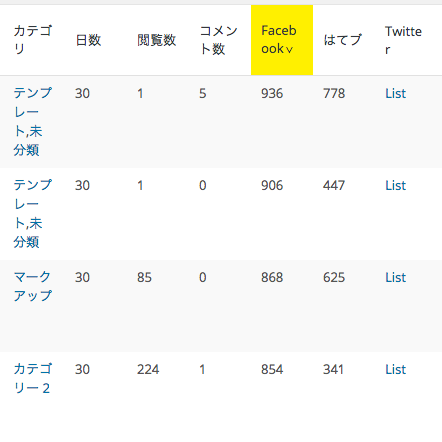
The Facebook share count and Hatena Bookmark count for each article are displayed. For Twitter, you can open the shared tweets and check their content, so you can analyze your social media performance all in one place.
Keyword occurrence counts
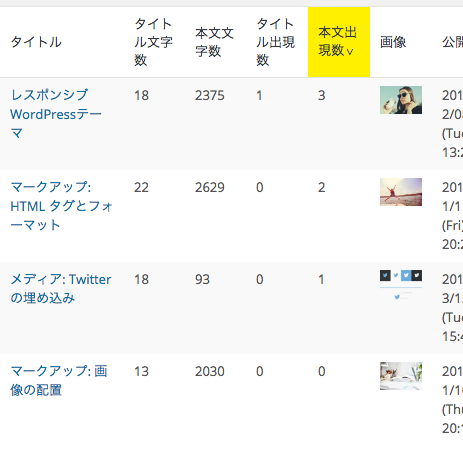
When you specify a keyword, the number of occurrences (times used) of that keyword in each article's title and body is displayed. Because occurrence counts are considered one of the important factors in SEO, you can analyze their correlation with view counts and other metrics.
CSV export
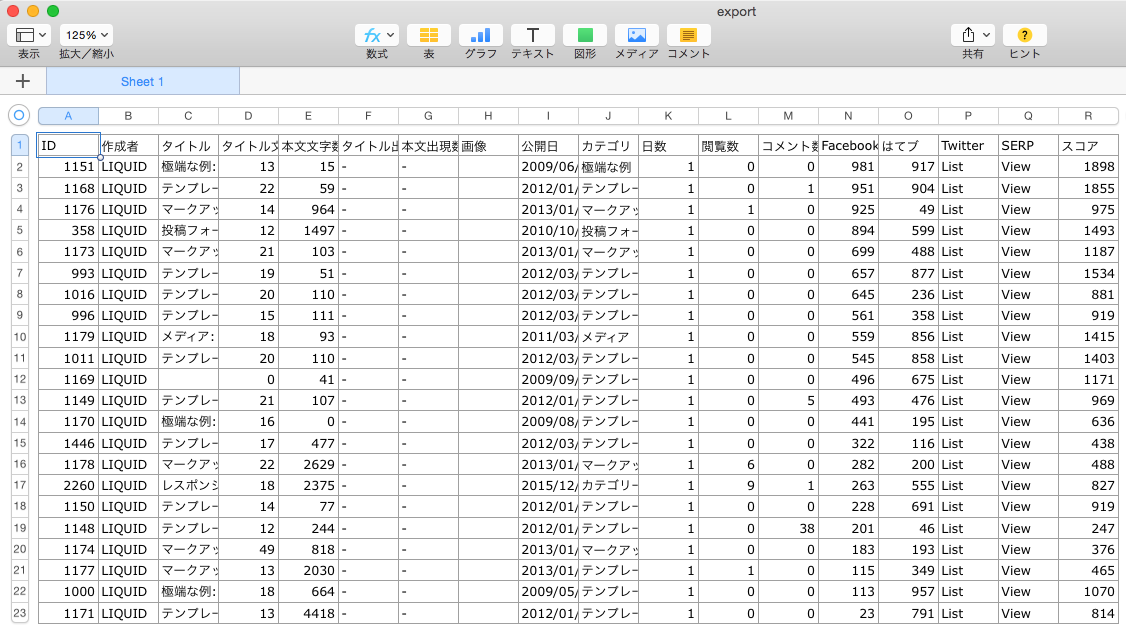
You can export the displayed data as a CSV file.
List of displayed items
- ID (links to the edit screen)
- Author
- Title
- Title character count
- Body character count
- Occurrences in the title
- Occurrences in the body
- Image (featured image)
- Publication date
- Category
- Days (days elapsed)
- View count
- Comment count
- Facebook share count
- Hatena Bookmark count
- Twitter (links to the tweet)
- SERP (links to the search results)
- Score (our original metric)
How to Use Content Analysis Beta
The WordPress admin screen
Please upgrade your theme to the latest version.
Select WordPress admin screen > Appearance > Content Analysis β.
- You can select a period (only view counts are aggregated).
- When you enter a keyword, the occurrence count items are displayed.
- You can click an item name to sort in ascending or descending order.
- You can export the data as a CSV file.
Please note
- The "WordPress Popular Posts" plugin is required to aggregate view counts.
- This feature is a beta version. Its functionality may be changed or suspended without notice.
- This feature is outside the scope of support.
LIQUID PRESS
 » Unlimited Plan
» All Themes
» Unlimited Plan
» All Themes